I can’t find the Load unpacked buttonمش لاقي زرار Load unpacked
Developer mode is off. Turn it on at the top right (or from the left menu in Edge) and the button appears.
يبقى Developer mode مش شغّال. شغّله من فوق على اليمين (أو من القايمة اللي على الشمال في Edge) وهيظهر.
It says “Manifest file is missing or unreadable”بيقول "Manifest file is missing or unreadable"
You picked the wrong folder. Choose the folder that has manifest.json directly inside it, not the folder above it. Also make sure you extracted the zip (do not open it from inside the zip).
اخترت الفولدر الغلط. لازم تختار الفولدر اللي جواه ملف manifest.json مباشرة، مش الفولدر اللي فوقه. اتأكد كمان إنك عملت Extract للملف (مش فتحته من جوه الـ zip).
Chrome shows “Disable developer mode extensions”Chrome بيظهر رسالة "Disable developer mode extensions"
That message is normal for any extension installed by hand. Close it (or press Cancel) and do not disable the extension. It goes away once we are on the store.
دي رسالة عادية لأي إضافة بتتثبت يدويًا. اضغط إغلاق (أو Cancel) ومتعطّلش الإضافة. هتختفي لما ننزل على المتجر.
I can’t see the Language Lens iconمش شايف أيقونة Language Lens
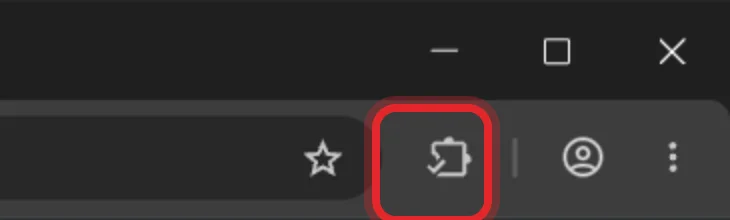
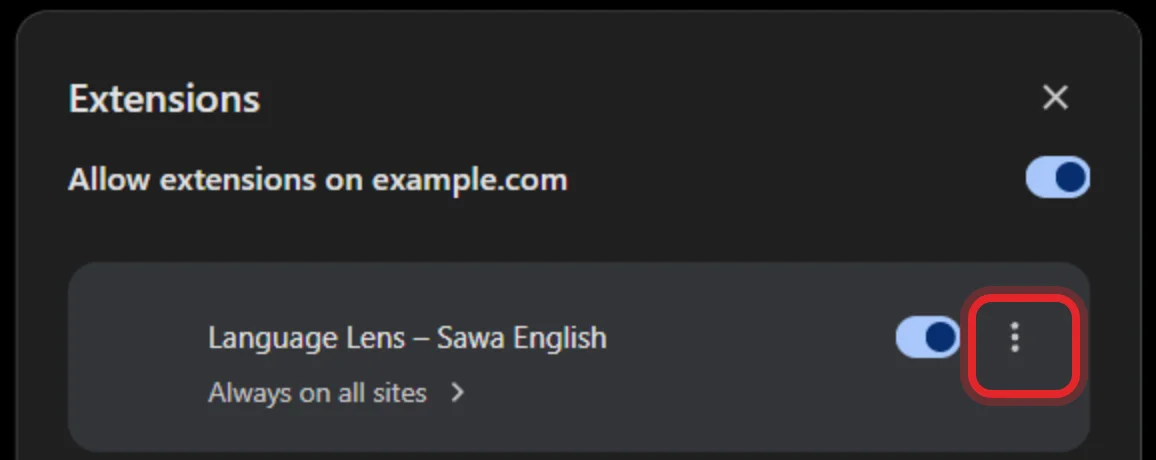
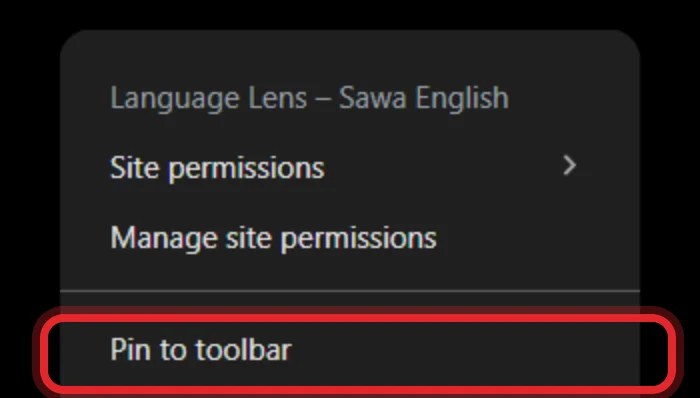
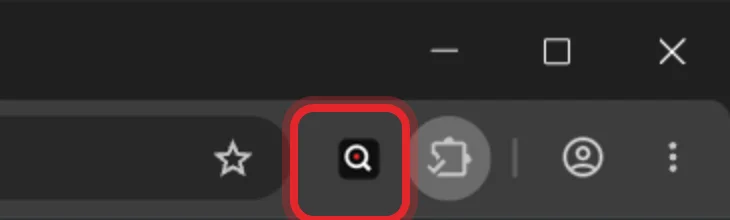
Chrome hides new extensions. Click the puzzle-piece icon at the top right and pin Language Lens: see the pin step.
Chrome بيخبّي الإضافات الجديدة. اضغط أيقونة البازل فوق على اليمين وثبّت Language Lens: شوف خطوة التثبيت.
It doesn’t show up on YouTubeالإضافة مش بتظهر على يوتيوب
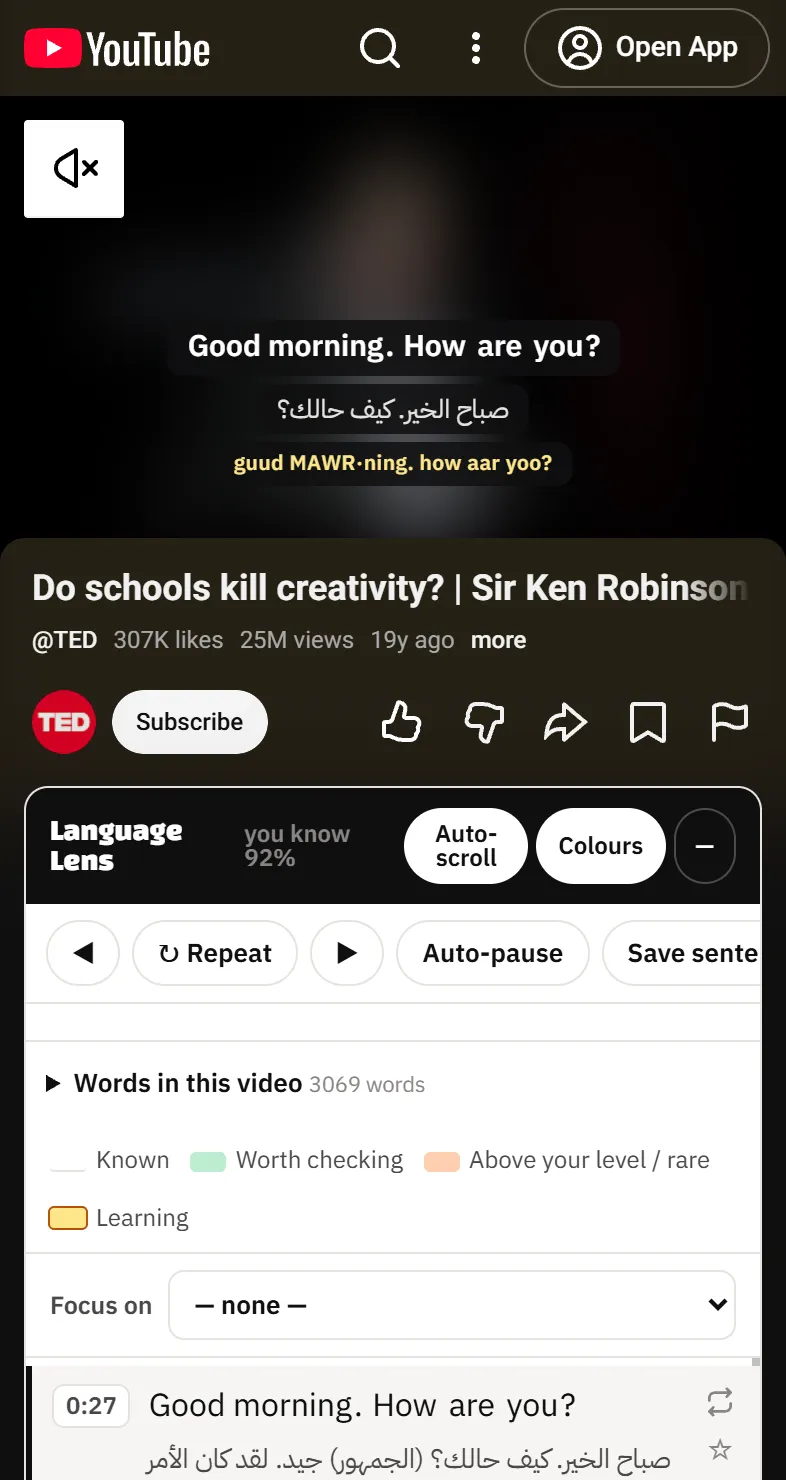
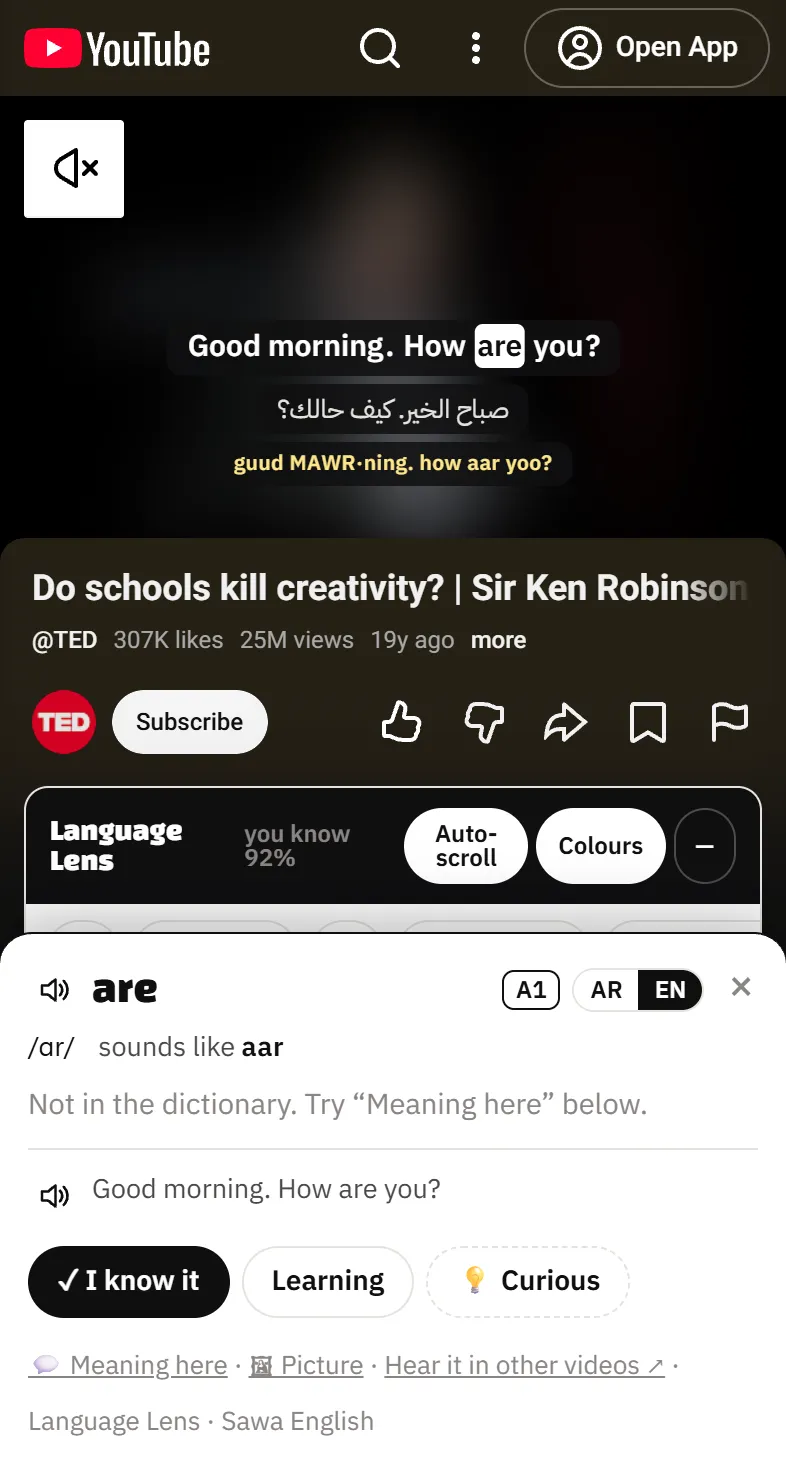
1) Check it is switched on in the extensions page. 2) Refresh the page. 3) The video needs English subtitles (CC). 4) If the Language Lens button in the video bar is off, turn it on. 5) On a phone, use m.youtube.com in Lemur, not the YouTube app.
1) اتأكد إنها شغّالة في صفحة الإضافات. 2) اعمل Refresh للصفحة. 3) الفيديو لازم يكون عليه ترجمة (CC) إنجليزي. 4) لو زرار Language Lens اللي في شريط الفيديو مطفي، شغّله. 5) على الموبايل استخدم m.youtube.com في Lemur، مش تطبيق يوتيوب.
On my phone, the zip won’t installعلى الموبايل ملف الـ zip مش بيتثبت
Use Lemur Browser (Chrome for Android and the YouTube app don’t take extensions). Turn on Developer mode in Lemur’s Extensions page first, then tap + (from .zip/.crx/.user.js) and pick the zip itself, without unzipping it. See the steps.
استخدم Lemur Browser (Chrome على أندرويد وتطبيق يوتيوب مش بياخدوا إضافات). شغّل Developer mode في صفحة Extensions في Lemur الأول، وبعدين دوس + (from .zip/.crx/.user.js) واختار ملف الـ zip نفسه من غير ما تفكّه. شوف الخطوات.
It asks me to sign in again / I’m signed outبيطلب مني Sign in كل شوية / طلعت مسجل خروج
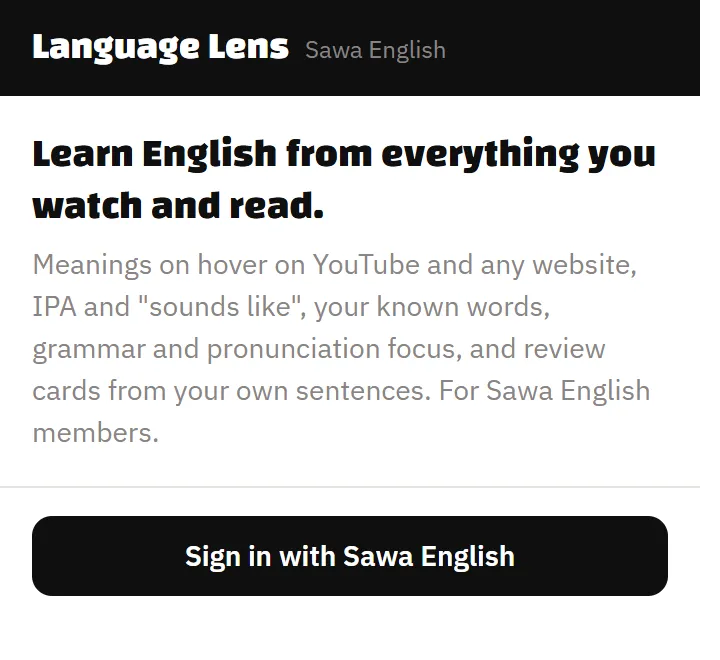
Open the Language Lens window → Sign in with Sawa English and sign in again. If it still will not let you in, message Sherif on Skool.
افتح نافذة Language Lens ثم Sign in with Sawa English وادخل تاني. لو لسه مش بيدخل، ابعت لشريف على Skool.
The extension vanished after I deleted the folderالإضافة اختفت بعد ما مسحت الفولدر
Chrome runs the extension from that folder. If you deleted or moved it, remove the extension and install it again from a new folder.
Chrome بيشغّل الإضافة من الفولدر نفسه. لو مسحته أو نقلته، احذف الإضافة وثبّتها تاني من فولدر جديد.
How do I update to a new version?إزاي أحدّث لنسخة جديدة؟
Download the new file from this page and unzip it into a new folder. In the extensions page, press Remove on the old Language Lens, then Load unpacked and choose the new folder (on a phone: + (from .zip…) with the new zip). Your words and cards are saved in your account, so nothing is lost.
نزّل الملف الجديد من الصفحة دي وفكّه في فولدر جديد. في صفحة الإضافات دوس Remove على Language Lens القديمة، وبعدين Load unpacked واختار الفولدر الجديد (على الموبايل: + (from .zip…) بالـ zip الجديد). كلماتك وكروتك محفوظة في حسابك، فمش هيضيع حاجة.
I see “🔒 Members only”بيظهر لي "🔒 Members only"
Some features are for members of Sawa English. Join Sawa English and they open at the next sync.
بعض المميزات لأعضاء سوا انجليش. ادخل سوا انجليش وهتتفتح مع أول مزامنة.
Any other problemأي مشكلة تانية
Press 💬 Send feedback in the Language Lens window (or in a word card), or write to Sherif in Sawa English on Skool: where you were, what you did, and what happened, ideally with a screenshot.
دوس 💬 Send feedback في نافذة Language Lens (أو في كارت الكلمة)، أو اكتب لشريف في سوا انجليش على Skool: كنت فين، عملت إيه، وحصل إيه، وياريت سكرين شوت.